
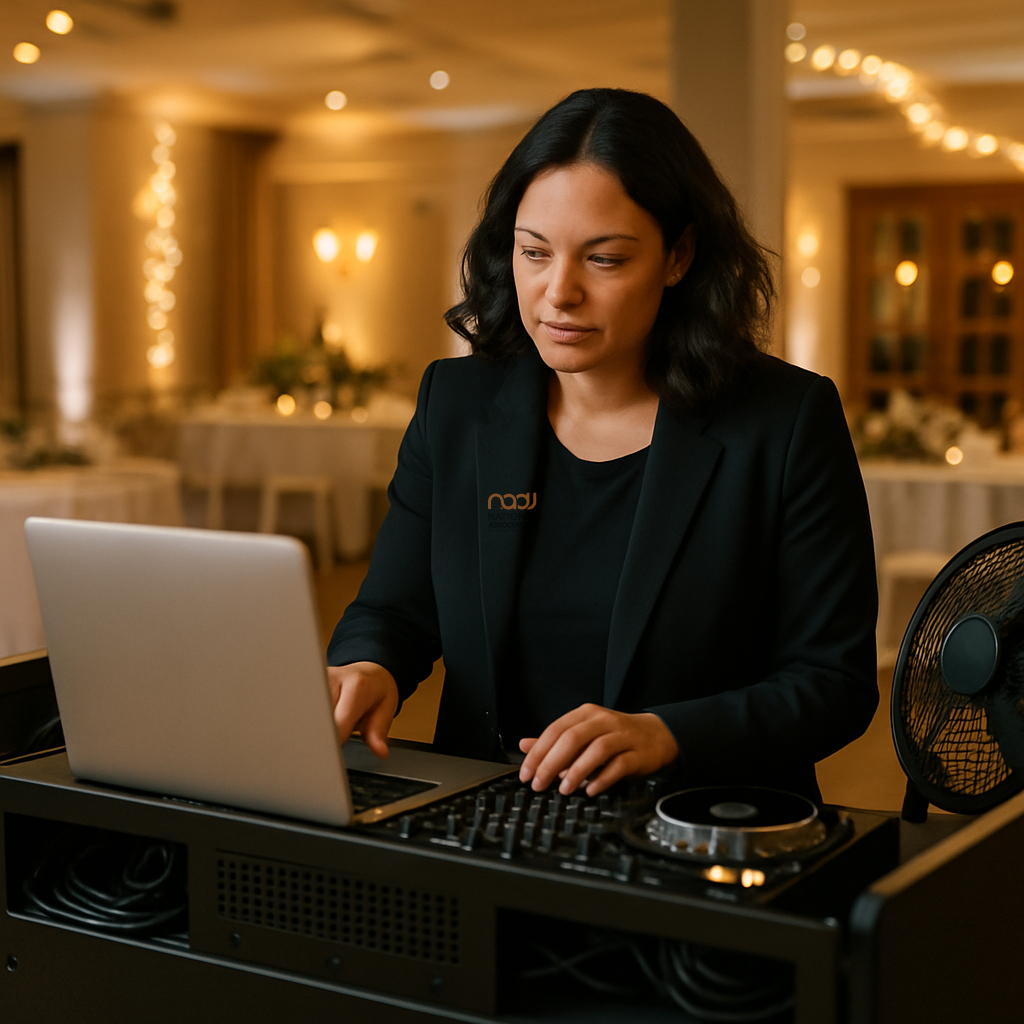
Heat build-up in DJ flight cases and booths is one of those problems that often goes unnoticed until something starts to misbehave mid-set. A controller feels hotter than usual, a laptop slows down, an amp fan kicks in hard, or a mixer becomes uncomfortably warm to the touch. At a wedding, club night, corporate event or mobile disco, that kind of stress can become a real operational issue.
The good news is that most heat-related problems are manageable with sensible setup, better airflow and a bit of planning. For DJs working across the UK — from London and Birmingham to Manchester, Leeds, Bristol, Cardiff, Glasgow, Liverpool, Nottingham, Leicester and Coventry — the basics are the same: keep kit cool, give it space to breathe, and avoid trapping heat in places it does not need to be.
Why heat build-up matters
Electronics naturally generate heat when they are running. That is normal. The concern begins when a flight case, booth or tightly packed rack prevents that heat from escaping. Over time, elevated temperatures can affect performance, reduce reliability and increase wear on components.
In practical terms, heat can lead to throttling in laptops, instability in smaller controllers, reduced battery performance in wireless accessories, and shortened component life in some devices. Manufacturers design equipment to operate within certain temperature ranges, so it is always worth checking the manual or official guidance for your specific gear.
Common causes in DJ setups
Flight cases with limited ventilation
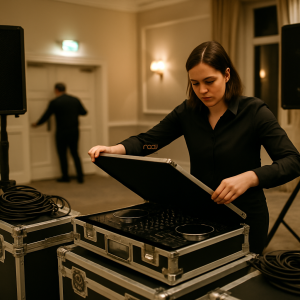
Many flight cases are built for protection first and airflow second. That is understandable, but a fully enclosed case can trap heat quickly if gear is left powered on inside it, or if hot equipment is packed away immediately after use.
Booths pushed hard against walls or drapes
Booths placed tight to a wall, curtain or stage cloth can restrict natural air movement. If the rear of a laptop, mixer or amplifier is effectively boxed in, heat has nowhere to go.
Stacked equipment and cable clutter
Routing too many leads across vents, power supplies or side panels can obstruct airflow. This is common in compact mobile DJ rigs where every centimetre counts.
Hot rooms and summer events
Hot marquees, crowded function rooms, clubs with poor ventilation and bright stages can all push temperatures up. In England, Scotland, Wales and Northern Ireland, summer events can become surprisingly warm inside once people, lighting and sound equipment are all running.
Practical steps to reduce heat build-up
Give equipment room to breathe
Start with spacing. Leave gaps around vents, fans and power supplies wherever possible. If a controller or laptop is mounted in a case, make sure any exhaust openings remain clear. A few centimetres of free space can make a noticeable difference.
Avoid running closed kit for long periods
If the design of your case allows it, avoid leaving electronics powered on inside a closed flight case for extended periods. Where possible, power down kit before packing away and let it cool before fully sealing it. This is especially sensible after long, high-energy events.
Improve airflow around the booth
Small changes help. Keep the back of the booth open where you can, avoid draping fabric over gear, and do not block rear-panel vents with bags, spare leads or heavy cases. If the venue layout allows, slightly angling the booth away from a wall can improve circulation.
Use fans sensibly
Portable fans can help move warm air away from equipment, but they need to be used carefully. Do not aim dusty airflow directly into sensitive ports or open media. Instead, use them to improve general air circulation around the booth. For very hot rooms, a dedicated cooling approach may be worth considering, but it should always be matched to the venue and the kit in use.
Keep power supplies clear
Power bricks, adapters and multi-way extensions often run warmer than people expect. Keep them visible and accessible rather than buried under soft cases, clothing or bundled cable loops. Heat around power gear is a good reason to keep a tidy, planned cable layout.
What to watch for during the event
Most DJs do not need to monitor temperatures constantly, but it is worth doing a quick visual and physical check during breaks or between sets. Look out for:
- fans running louder than usual
- laptops feeling unusually hot
- gear behaving sluggishly
- unexpected restarts or audio drop-outs
- burning smells or hot spots around power supplies
If you notice anything out of the ordinary, stop and investigate. Do not assume the problem will sort itself out. In some cases, it may be enough to improve ventilation or move a device. In others, the safest option is to power down and replace the item if possible.
Transport and post-event care
Heat management does not end when the last track plays. Packing away hot gear into sealed cases can trap heat and encourage condensation later, especially if you are moving from a warm venue into a cooler vehicle or building. Where practical, let equipment cool before sealing it away.
For mobile DJs carrying backline across the UK, this matters on long days and late finishes. A careful cool-down routine can help protect screens, batteries, connectors and internal components over the long term.
Build heat awareness into your wider setup
Good heat management is part of professional preparation, just like safe cabling, reliable sound checks and suitable monitoring. If you are reviewing your wider kit for gigs, it can also be a good moment to think about headphones, cases and support services. Our guide to top DJ headphones for professional mobile DJs in the UK may help if you are upgrading monitoring for busy environments.
Likewise, if you are checking the business side of your work, it is worth keeping your basics in order. NADJ members often use the DJ public liability insurance guidance as a starting point, while the membership tiers explained page gives a clear overview of how NADJ supports different types of DJs.
Where NADJ fits in
NADJ exists to support working DJs with practical information, professional standards and a stronger industry network. If you want to connect with other DJs, venues and event professionals, the NADJ directory and gig listings are useful places to explore. You can also find wider resources and updates through the NADJ hub, and learn more about the organisation at nadj.co.uk.
As with any technical advice, always check the instructions for your own equipment and follow venue rules, manufacturer guidance and any relevant safety requirements. If a setup is running too hot, treat it seriously. A few small changes now can prevent bigger problems later.
AI transparency note
NADJ uses artificial intelligence as an editorial assistant. Articles produced through this publisher begin with a human-selected idea, source, brief or editorial direction, and AI may be used to research, structure, draft or improve the wording. AI does not set NADJ editorial policy or operate free-range: people acting for NADJ set the instructions and publishing framework, monitor the output and retain editorial responsibility.
Images used by NADJ may include stock photography or AI-generated visuals where appropriate. NADJ is volunteer-led and editorial time is limited; much of our available time is currently absorbed by governance and management, a substantial data audit and membership-system transfer, and planning 12 Tea & Test days across the UK. You can help strengthen member-led content by sending article ideas or completed submissions to hello@nadj.org.uk.




 Avtar Thethy
 Fabio Capozzi
 Alastair Craig
 Dave Mills