
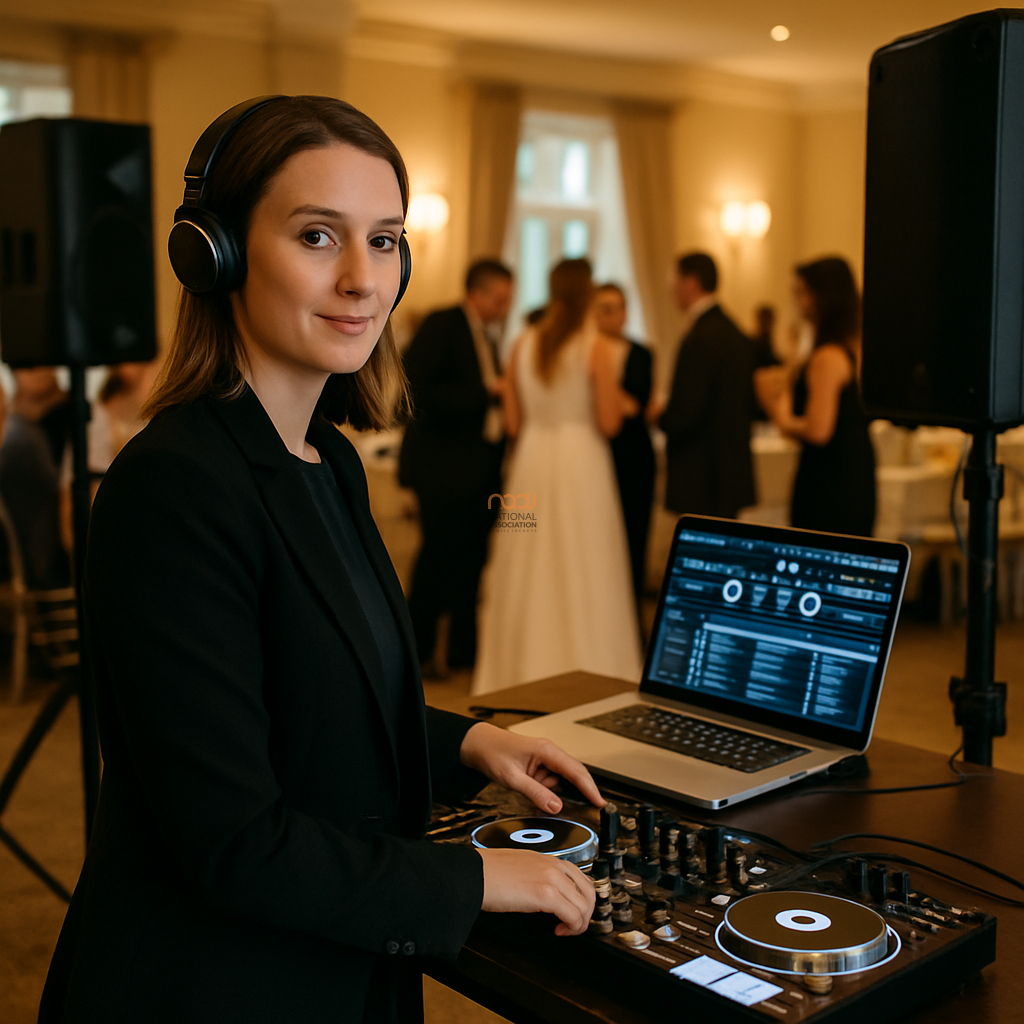
For many working DJs, the first question is not whether a platform can mix tracks, but whether it can handle the realities of mobile and wedding work. This VirtualDJ review looks at the software through that lens: fast access to music, dependable performance, flexible presentation and sensible preparation for the kinds of events British DJs cover every week.
VirtualDJ has long been positioned as a feature-rich DJ software option, and it is often discussed in the same breath as Serato, rekordbox and Engine DJ. However, the best choice depends on your workflow rather than the headline feature list. If you regularly perform in venues across the UK — from London hotels and Birmingham banqueting suites to community halls in Leeds, Cardiff, Glasgow or Belfast — your software needs may be different from those of a club-focused DJ.
What VirtualDJ aims to offer
According to the manufacturer, VirtualDJ is designed as a broad, adaptable platform for mixing music, video and more advanced performance workflows. In practical terms, that means it is built to support DJs who need versatility rather than a single, tightly defined approach. For mobile and wedding DJs, that can be useful because event work often demands quick adaptation: a first dance, a party set, a request from the dancefloor, or a change in mood when the room needs bringing back to life.
The software is widely known for its compatibility with a large range of controllers and its reputation for offering many tools in one place. For some users, that can reduce the need to move between separate applications. For others, it may feel like too much choice. That is a key point: feature depth is only an advantage if you will actually use it.
Why mobile and wedding DJs may find it appealing
1. Flexible workflow for varied gigs
Wedding and mobile DJs rarely play identical shows. One Saturday may involve a civil ceremony, drinks reception and evening party; the next could be a corporate function in Manchester or a birthday celebration in Nottingham. VirtualDJ’s broad feature set may suit DJs who want to prepare for different formats without rebuilding their entire workflow each time.
If you are the sort of DJ who likes to organise music by event type, client preference or audience age group, the software’s approach can be practical. It may help you move between background music and dancefloor sets with less friction than a more narrowly focused setup.
2. Useful for presentation-led work
Many wedding DJs now need more than playback alone. They may also manage slideshows, video content, karaoke or custom edits. VirtualDJ is often considered attractive for users who want that extra layer of presentation. While that will not matter to every DJ, it can be a genuine advantage if your services extend beyond standard mixing.
3. Broad hardware support
For working DJs, controller compatibility matters. Many professionals invest in a rig and then expect the software to keep pace. VirtualDJ is often chosen because it can work with a wide range of devices, which may be helpful if you have an established setup or if you are upgrading gradually rather than replacing everything at once. That said, it is still wise to check the current support list before buying, as compatibility can change over time.
Points to weigh up before committing
VirtualDJ’s biggest strength — its depth — can also be a drawback. Some DJs prefer a simpler interface and a more prescriptive workflow. If you are new to digital DJing, the number of options can feel overwhelming at first. A platform that gives you many tools is not automatically the best platform for a busy Saturday night if those tools get in the way of fast, instinctive operation.
There is also a practical consideration around ecosystem. Some DJs choose software based on which platform aligns with their controller, their music library habits, or the expectations of venues and collaborators. If you regularly share gear with other DJs, or if you are moving between venues in places like Liverpool, Leicester, Coventry or Bristol, it may be worth considering what your peers already use and what backup options you would have if you needed to switch quickly.
As ever, software is only one part of the picture. A reliable laptop, sensible library management, regular backups and a clear contingency plan matter just as much as the application itself.
How it compares for professional mobile DJs
For mobile DJs, the main competition is not only about features but about confidence. Some DJs prefer rekordbox because it integrates neatly with Pioneer DJ hardware workflows. Others favour Serato for familiarity or a simpler live-performance experience. VirtualDJ tends to appeal to those who want flexibility, media options and a highly configurable environment.
If you are building a business around weddings and private events, the choice should reflect your service model. A DJ focused on fast party mixing may value different things from a DJ offering full production, uplighting, request handling and AV elements. For some, VirtualDJ will fit that broader remit well. For others, it may be more software than they need.
Who VirtualDJ is best suited to
In editorial terms, VirtualDJ appears best suited to experienced mobile DJs, wedding DJs and event DJs who value adaptability, media support and a large feature set. It may also suit DJs who enjoy customising their workflow and want one platform that can cover a wide range of jobs.
It may be less suitable for DJs who want a minimal, stripped-back interface or who prefer to follow the conventions of a specific hardware ecosystem. Beginners can absolutely use it, but they should expect a learning period.
NADJ verdict
This VirtualDJ review leads to a straightforward conclusion: it is a capable, flexible option that deserves serious consideration from professional mobile and wedding DJs, especially those who work across diverse events and need more than basic deck control. Its breadth is a major advantage, but only if it matches your working style.
Before deciding, we recommend testing any software against your own playlist structure, hardware and event requirements. Check current compatibility, review the latest manufacturer documentation and consider how the software fits into your wider business setup. For many UK DJs, especially those serving the Midlands, London and major regional cities, the right choice will be the one that helps them work faster, safer and more confidently on the night.
If you are developing your DJ business further, you may also find these NADJ resources useful: our Denon DJ buying guide for mobile DJs, our guide to membership tiers, and our page on DJ public liability insurance. You can also explore the NADJ directory, the NADJ Hub and gig listings for more opportunities and industry support.
For broader association information and services, visit NADJ. Whether you are working in England, Scotland, Wales or Northern Ireland, the best software choice is the one that supports dependable performance and a professional client experience.
AI transparency note
NADJ uses artificial intelligence as an editorial assistant. Articles produced through this publisher begin with a human-selected idea, source, brief or editorial direction, and AI may be used to research, structure, draft or improve the wording. AI does not set NADJ editorial policy or operate free-range: people acting for NADJ set the instructions and publishing framework, monitor the output and retain editorial responsibility.
Images used by NADJ may include stock photography or AI-generated visuals where appropriate. NADJ is volunteer-led and editorial time is limited; much of our available time is currently absorbed by governance and management, a substantial data audit and membership-system transfer, and planning 12 Tea & Test days across the UK. You can help strengthen member-led content by sending article ideas or completed submissions to hello@nadj.org.uk.




 Avtar Thethy
 Fabio Capozzi
 Alastair Craig
 Dave Mills