
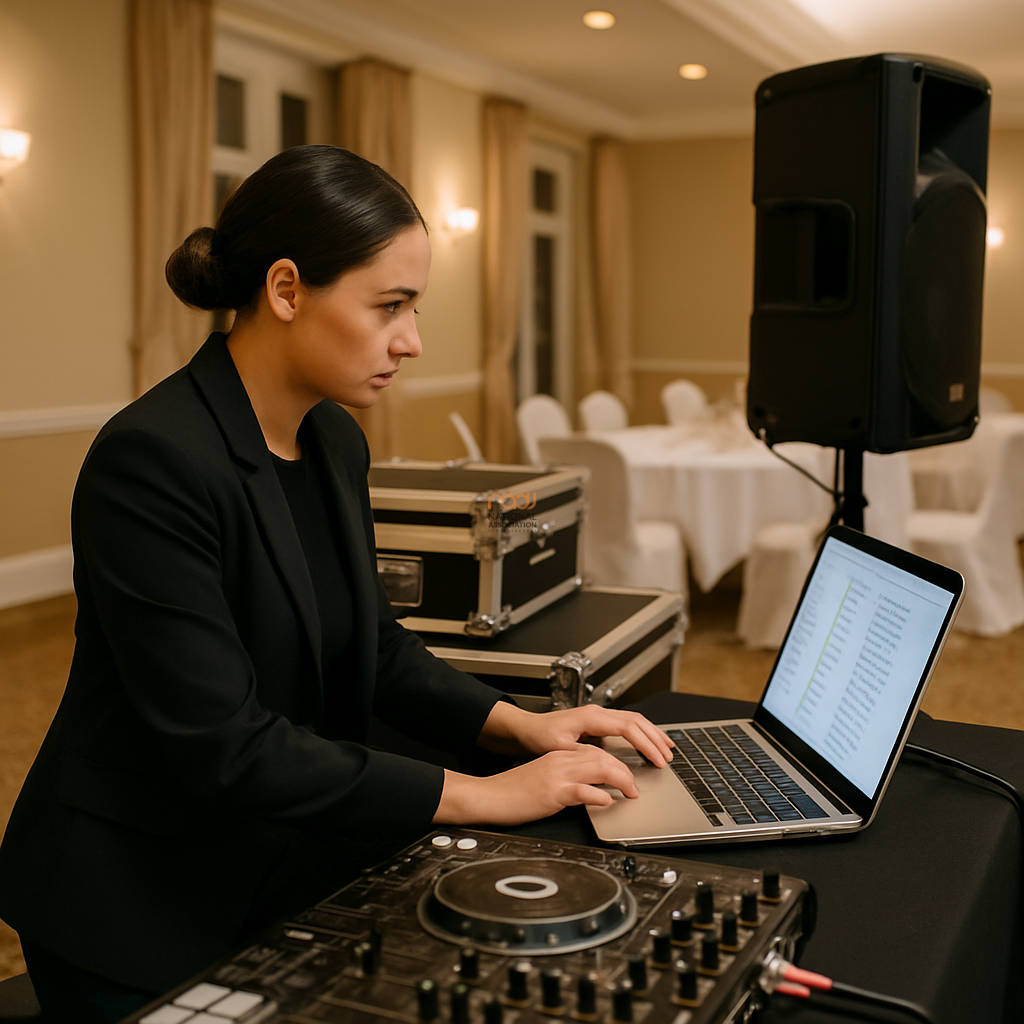
If you work across weddings, family parties, bars and club nights, you need a reliable way to organise explicit and clean versions. One missed cue or the wrong edit at the wrong moment can create an avoidable problem for the room, the client and your own professionalism. The good news is that a clear, repeatable library system will save time and reduce stress every time you play.
This is not about overcomplicating your workflow. It is about making sure that when you are under pressure in a busy set, the track you choose is the version you actually intend to play. That matters whether you are working in London, Manchester, Birmingham, Leeds, Bristol, Cardiff, Glasgow, Liverpool, Nottingham, Leicester or Coventry, and whether your bookings are in England, Scotland, Wales or Northern Ireland.
Start with a simple rule: label every version clearly
The most common mistake is relying on memory. After a while, “the clean one” or “the club edit” stops being specific enough. Build a naming system that tells you everything you need at a glance.
Use consistent file names
A practical structure is:
Artist – Title – Version – BPM – Key
For example: Example Artist – Summer Night – Clean Edit – 124 – 8A or Example Artist – Summer Night – Explicit – 124 – 8A. The aim is not perfection; it is recognition. If your software supports comments or custom fields, add notes such as “family safe”, “late-night only” or “radio edit short intro”.
If you use streaming, laptops and USBs together, keep the same language across all platforms. Consistency is what prevents errors.
Separate your library by event type, not just by genre
Many DJs sort music by genre alone. That works until you are working different rooms in the same week. A better approach is to create separate collections for different types of bookings.
Recommended folders or playlists
- Family-friendly / weddings
- Club / late-night
- Student / urban / open-format
- Requests and key favourites
- Explicit only
- Clean only
This structure makes it easier to move quickly when a client changes the atmosphere of the room. For example, a wedding in the Midlands may start with chart and singalong music, then move into a later set that allows more freedom. If your library is already divided by event type, you can adapt without guessing.
Use colour coding and tags as a second check
Colour coding is useful, but only if you use it consistently. Pick one colour for clean versions and another for explicit versions, then stick to it. The same applies to star ratings, tags or categories in your DJ software.
For example, you might tag tracks as clean, explicit, radio edit or uncensored. Some DJs also use comments such as not safe for family event or best after 11pm. These reminders are not glamorous, but they are practical.
Do not rely on artwork alone. Covers can look identical even when the audio version is very different.
Keep the clean and explicit versions together, but never indistinguishable
There are two schools of thought here. Some DJs separate clean and explicit music into entirely different folders. Others keep both versions together inside the same artist/title structure. Either method can work, but only if the version marker is obvious.
If you keep them together, always make the version the first thing you notice after the title. If you separate them, keep the folder naming precise so that “clean” is not just a mental note that can be missed when you are rushing.
A useful habit is to check the version before adding a track to a request list or quick-access crate. That extra second is better than apologising to a client later.
Build pre-event setlists with version awareness
Good preparation makes live decisions easier. Before each booking, build a shortlist of tracks that are appropriate for the event and version you need. A wedding warm-up list is not the same as a Saturday-night club set, and neither should be treated the same way.
For private events, especially family occasions or mixed-age rooms, create a “safe” crate in advance. For club work, create a separate collection of tracks where explicit content is expected and suitable. Then, if the crowd shifts, you can change direction without searching through your full library.
This kind of preparation is especially useful when you are juggling multiple venues in cities such as Glasgow, Bristol or Belfast, where turnaround times can be tight and your attention is split between transport, setup and sound checks.
Test your workflow before the gig
Before a show, spend a few minutes checking your library display on the device you will actually use. A system that looks clear on a laptop screen may not be as clear on a controller display or USB browser. Test the naming, sorting and colour coding in real conditions.
If you use more than one device, make sure the same file appears in the same category on each one. Differences between software versions can create confusion, so verify your workflow after updates. This is a good housekeeping habit, not a technical luxury.
Be careful with client expectations and venue rules
Different bookings come with different expectations. A wedding venue in the Home Counties may want a family-safe approach throughout. A bar in central Manchester may be comfortable with a later explicit set. The key is not to assume. Confirm the brief, then organise your music to match it.
Where content or venue policy is unclear, check in advance. NADJ always encourages DJs to work professionally and to respect the requirements of each booking. If you are also reviewing wider event requirements such as public liability insurance, licensing or venue conditions, use up-to-date information and speak to the relevant provider or authority as needed. You can read more about DJ public liability insurance and why many DJs choose to keep their paperwork in order alongside their library system.
Make your library easier to search and harder to get wrong
Ultimately, the best system is the one you will use every time. Keep it simple enough to maintain, but detailed enough to protect you from avoidable mistakes. If your current library is messy, improve it in stages: start with the most-played tracks, then work backwards through the rest of your collection.
That investment pays off quickly. Clear organisation means faster browsing, more confidence and fewer surprises in front of an audience.
If you are developing your DJ business more broadly, NADJ also offers useful resources across the sector, including membership guidance, equipment advice and community support. Explore membership tiers, browse the NADJ directory, check the member hub, or see current gig listings. You can also visit NADJ Media Ltd for related services and support.
For those upgrading their setup, the right speakers also support a more controlled performance environment; our guide to best PA speakers for mobile DJs may be useful when comparing options.
In short: organise explicit and clean versions clearly, check them before every event, and make your system easy enough to trust when the room is busy. That is how you stay in control, stay professional and avoid playing the wrong one.
AI transparency note
NADJ uses artificial intelligence as an editorial assistant. Articles produced through this publisher begin with a human-selected idea, source, brief or editorial direction, and AI may be used to research, structure, draft or improve the wording. AI does not set NADJ editorial policy or operate free-range: people acting for NADJ set the instructions and publishing framework, monitor the output and retain editorial responsibility.
Images used by NADJ may include stock photography or AI-generated visuals where appropriate. NADJ is volunteer-led and editorial time is limited; much of our available time is currently absorbed by governance and management, a substantial data audit and membership-system transfer, and planning 12 Tea & Test days across the UK. You can help strengthen member-led content by sending article ideas or completed submissions to hello@nadj.org.uk.





 Avtar Thethy
 Fabio Capozzi
 Alastair Craig
 Dave Mills